


WooCommerce Upload Files allows you to enable file uploads for your customers directly from the product, the cart, the checkout, the order received page and/or the order details page. You can also preview images, add additional costs, fees and many other options.
Characteristics of WooCommerce Upload Files
- Upload files for each product purchased from the product, checkout or order details page.
- File upload visible only in certain products.
- Unlimited file uploads, of unlimited size.
- Ignore the upload size limit imposed by your server thanks to its file upload technology.
- Configure limits and restrictions on file uploads by:
- Number of files.
- File size.
- File type.
- DPI (resolution).
- Option to set additional costs or set the price of the product based on the number of files uploaded.
- Visibility according to role or selected payment method.
- Image cropping.
- Upload progress bar.
- Text field to be optionally displayed for each file upload field.
- Receive the uploaded files directly to your email or download them from the order editing screen as a zip file.
- Customizable button texts and compatible with WPML.
- Responsive design of the fields.
- Preview of images and audios.
- Dropbox support and multiple customization options.
To download WooCommerce Upload Files from WPZone recibirás exactamente el mismo archivo .zip que obtendrías de CodeCanyon. Ahorra hasta el 98 % y de forma totalmente segura y libre de virus, ya que todos los archivos están verificados por McAfee Secure.
88.2
- Archivos originales del autor.
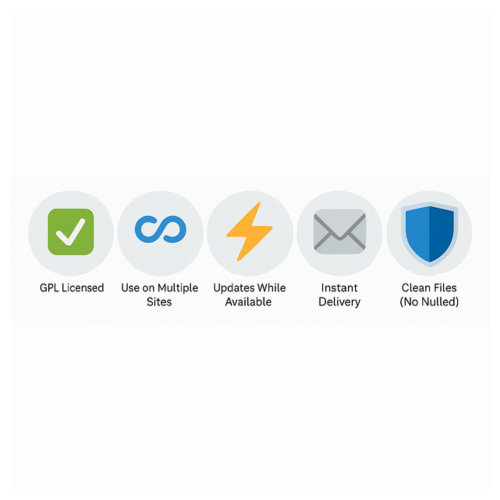
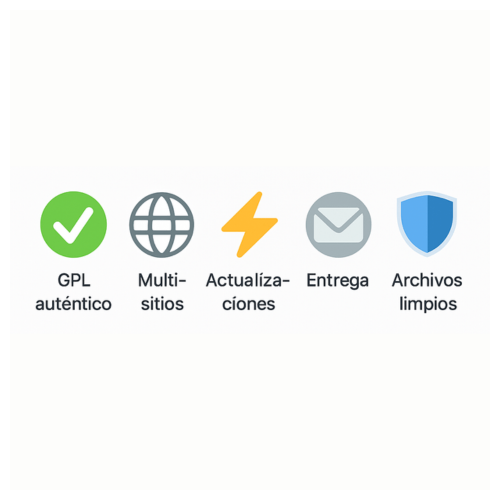
- Uso ilimitado en todas tus webs (licencia GPL).
- Archivos 100% limpios y seguros.
- Entrega en menos de 12 horas.
- Satisfacción garantizada o reembolso.
- Funciones que dependen del servidor del autor (como plantillas online o IA) pueden no estar disponibles.
- Producto vendido sin soporte del autor.




 English
  Español
The setup was very simple.
Easy to install and customize.
Installation was quick and trouble-free.
Everything went well.
Perfect for my WordPress project.